
Purpose
Section Box is a scope-control tool
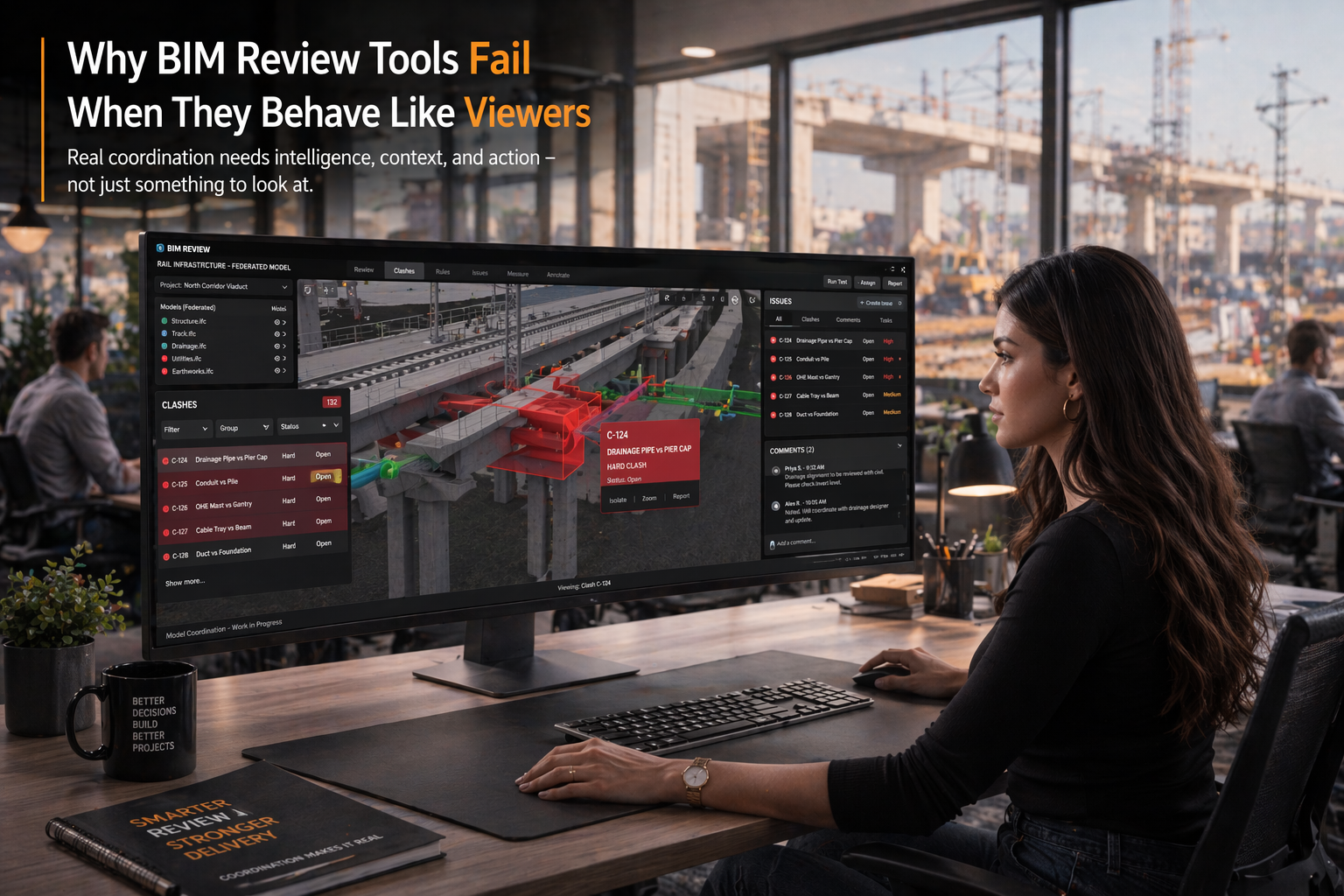
A Section Box workflow narrows the model to the volume that matters for the current question. It is most useful when hide/isolate is not enough because the reviewer needs spatial context around the selected zone.
Model review
Pair Section Box with properties
A focused volume is only useful if the reviewer also checks the model data behind it. Use the clipped view to inspect categories, properties, quantities and classification values on the elements that remain visible.
- Use a smaller volume for detailed property inspection.
- Reset visibility before moving to a different review question.
- Record the model context behind any issue or report note.
Dense models
Infrastructure and large buildings need volume discipline
Rail corridors, podiums, plant rooms and multi-discipline building models can overwhelm a viewer. Section Box helps reviewers focus on a specific chainage, level, zone or interface before deciding whether the finding deserves follow-up.
Mistakes
Avoid turning Section Box into a hiding trick
Section Box should clarify the review scope, not hide inconvenient context. If the issue depends on neighboring systems, reset the box or expand it before making a decision.
- Do not screenshot a clipped view without noting the review scope.
- Do not treat hidden surrounding elements as approved.
- Do not use Section Box as a substitute for property or classification checks.